macOS, iOS & iPadOS Application

Network Atlas

Discover and monitor every device on your network. A powerful, native macOS network scanner with comprehensive device discovery and real-time monitoring.

Built for macOS 14+, iOS 17+ and iPadOS 17+ • Free, with an optional Pro upgrade
Capabilities

Comprehensive Network Discovery

Network Atlas uses multiple discovery methods to find every device on your network, providing detailed information about each one.

5 Discovery Methods

Bonjour/mDNS, ARP Cache, SSDP/UPnP, ICMP Ping Sweep, and NetBIOS scanning to find every device on your network.

Vendor Identification

Automatic MAC address lookup identifies device manufacturers like Apple, TP-Link, Ubiquiti, Raspberry Pi, and more. Hardware addresses are available on macOS; iOS and iPadOS limit access to them.

Service Detection

Identifies running services like HTTP, HTTPS, SSH, SMB, RDP, UPnP, AirPlay, and more with port information.

Real-time Updates

Watch devices appear as they're discovered. Continuous scanning keeps your network map up to date.

Detailed Device Info

View IPv4, IPv6, MAC addresses, hostnames, and custom names. Full detail panel for each device.

Native macOS App

Built with SwiftUI for a native macOS experience. Fast, efficient, and designed to feel right at home.

Screenshots

See It In Action

Explore the clean, intuitive interface designed for network professionals and enthusiasts alike.
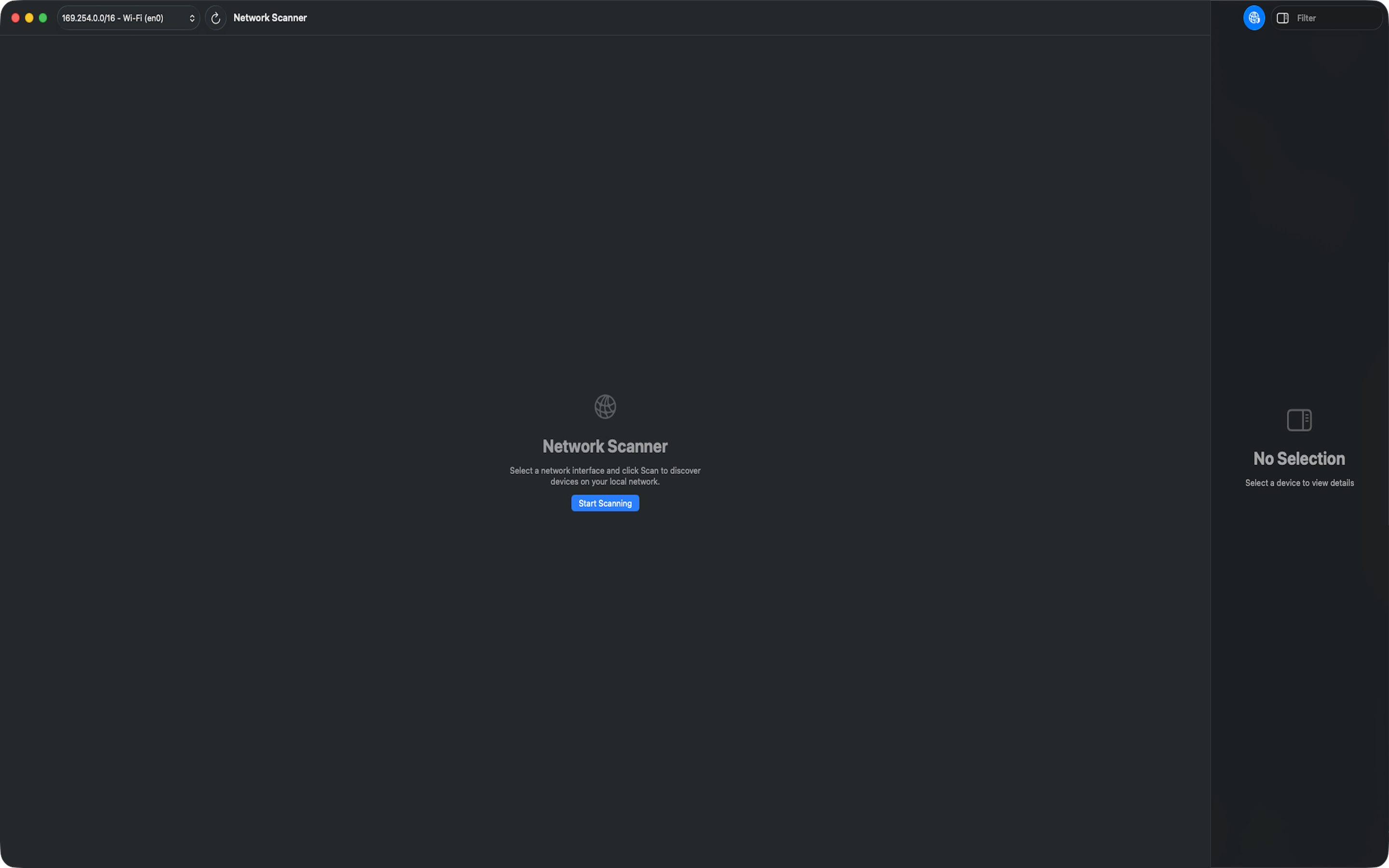
Network Atlas - Welcome Screen

Welcome Screen

Clean interface with network interface selector and one-click scanning.
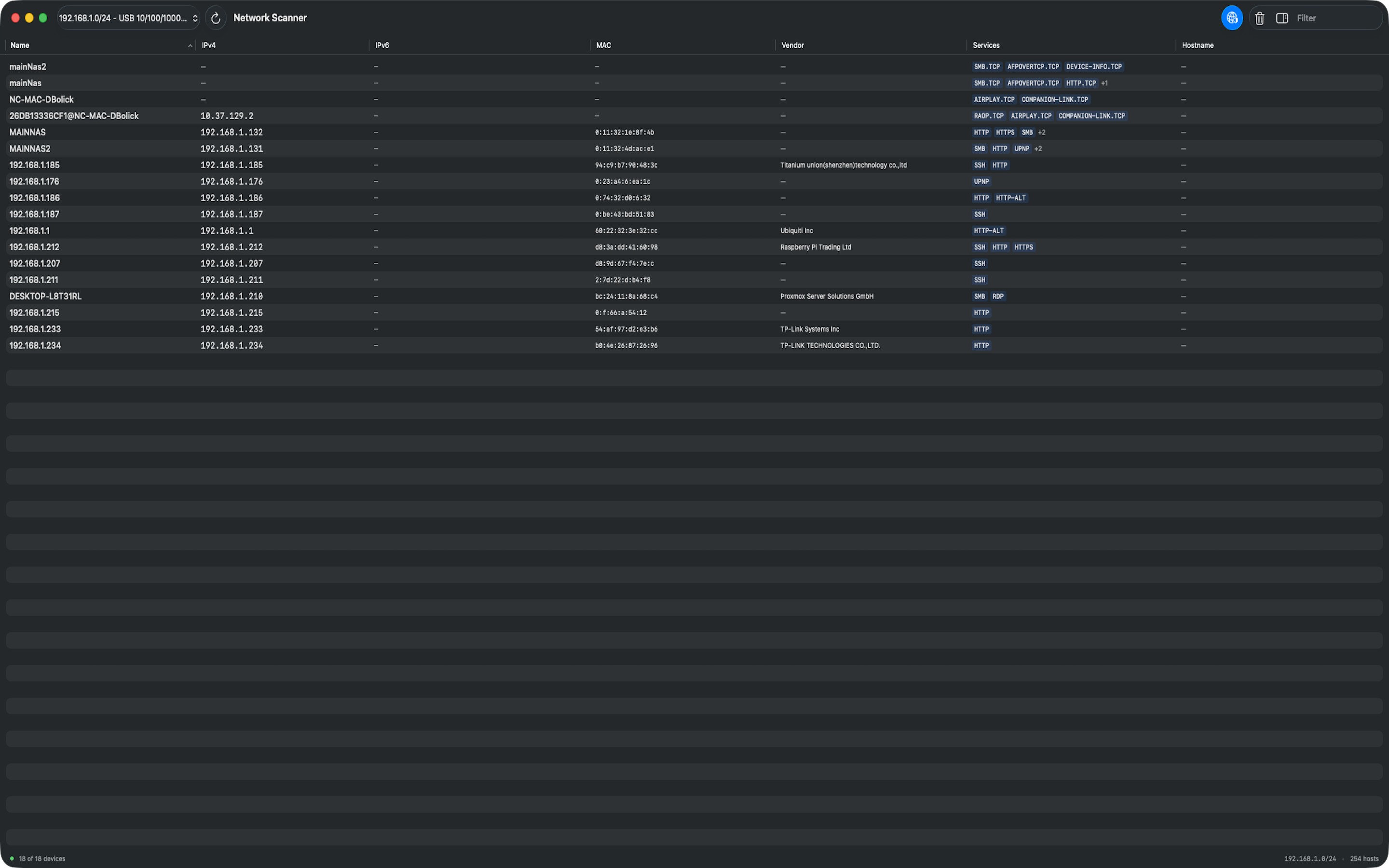
Network Atlas - Device Discovery

Device Discovery

Comprehensive table view with IP, MAC, vendor, and services at a glance.
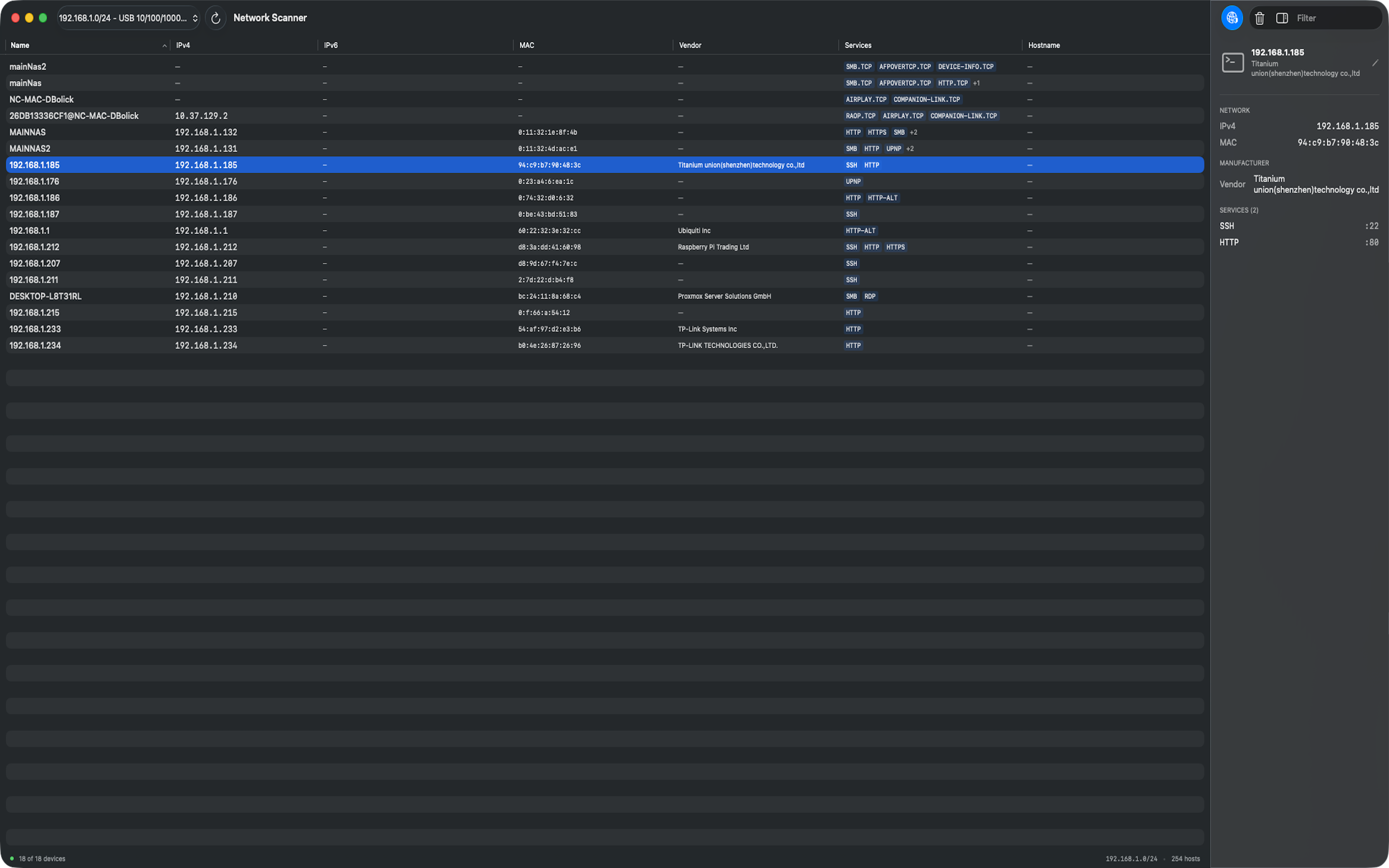
Network Atlas - Device Details Panel

Device Details

Detailed inspector panel showing network info, manufacturer, and running services.

Technical Specifications

Built with Modern Technology

Network Atlas is built using Apple's latest frameworks for optimal performance and native macOS integration.

Platform
macOS 14.0+, iOS 17.0+, iPadOS 17.0+
Language
Swift
UI Framework
SwiftUI
Networking
Network.framework, BSD Sockets
Architecture
Universal (Apple Silicon + Intel)

Discovery Methods

Network Atlas employs five distinct discovery methods to ensure comprehensive network visibility:

  • Bonjour/mDNS - Discovers Apple devices and services
  • ARP Cache - Quick lookup of recently active devices
  • SSDP/UPnP - Finds smart home devices and media servers
  • ICMP Ping Sweep - Scans entire subnet for responsive hosts
  • NetBIOS - Identifies Windows devices and shares

Ready to Map Your Network?

Network Atlas is available on the App Store for Mac, iPhone and iPad. Download it free and discover every device on your network. Network Atlas Pro unlocks full details for every device.